Open the web app
Launch Dialogeon in your browser.
Messages, voice calls and video calls in one web app. Open Dialogeon and connect with the people who matter to you.
No installation required to get started.
Launch Dialogeon in your browser.
Create an account or sign in to find your contacts.
Send messages, start a voice call or switch to video.
Dialogeon is a new place for the little conversations that do not always happen in your existing chats. The welcome group is still growing; Di Ai, an openly identified AI host, can help break the ice.
Make space for new perspectives without abandoning old friendships.
No perfect opening line needed. A little conversation is a good place to begin.
Get to know people through ordinary conversation and shared interests.
More than messages and calls. Keep plans and shared interests right inside your conversations—on desktop or in your mobile browser.
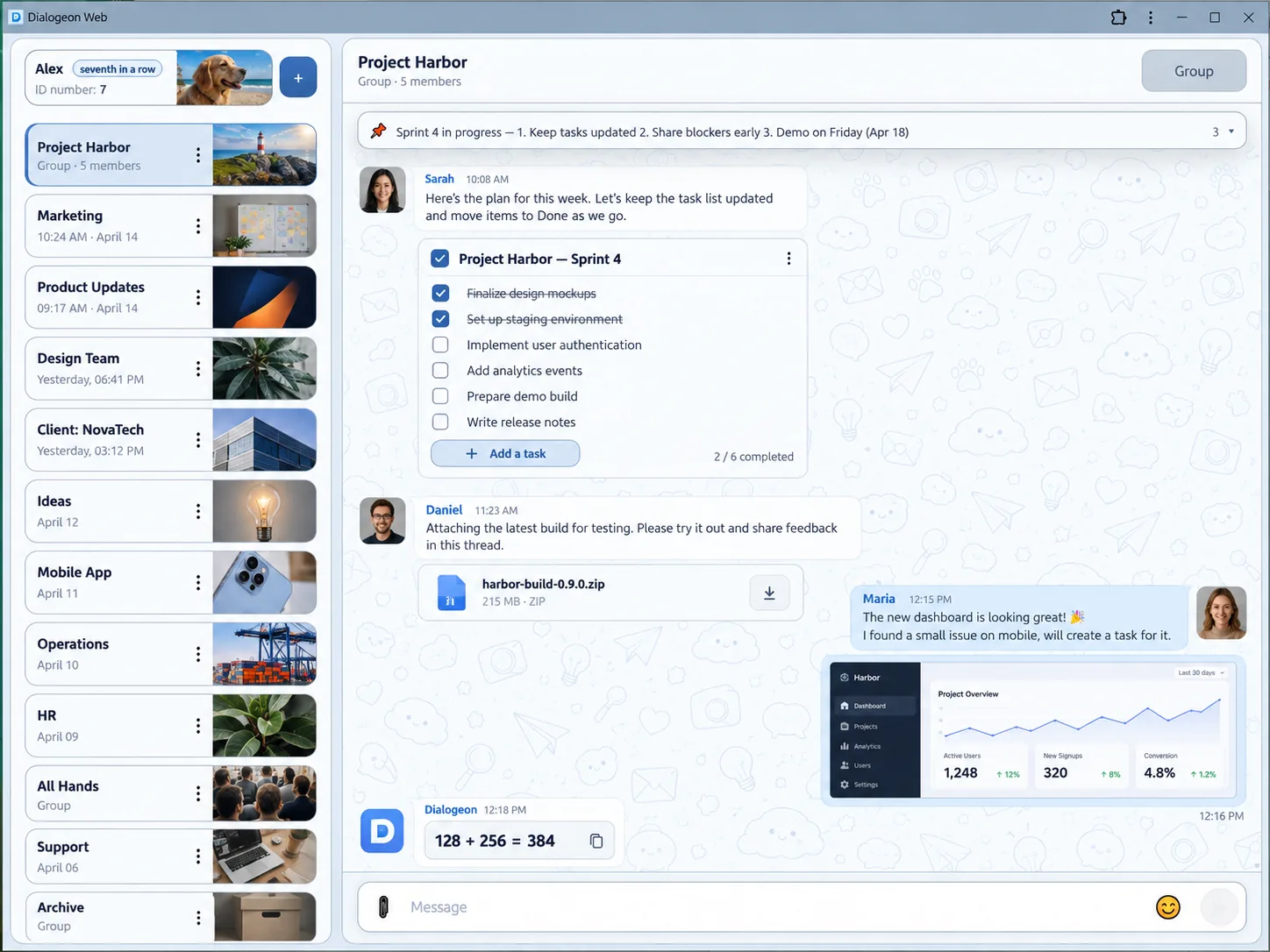
Shared entertainment
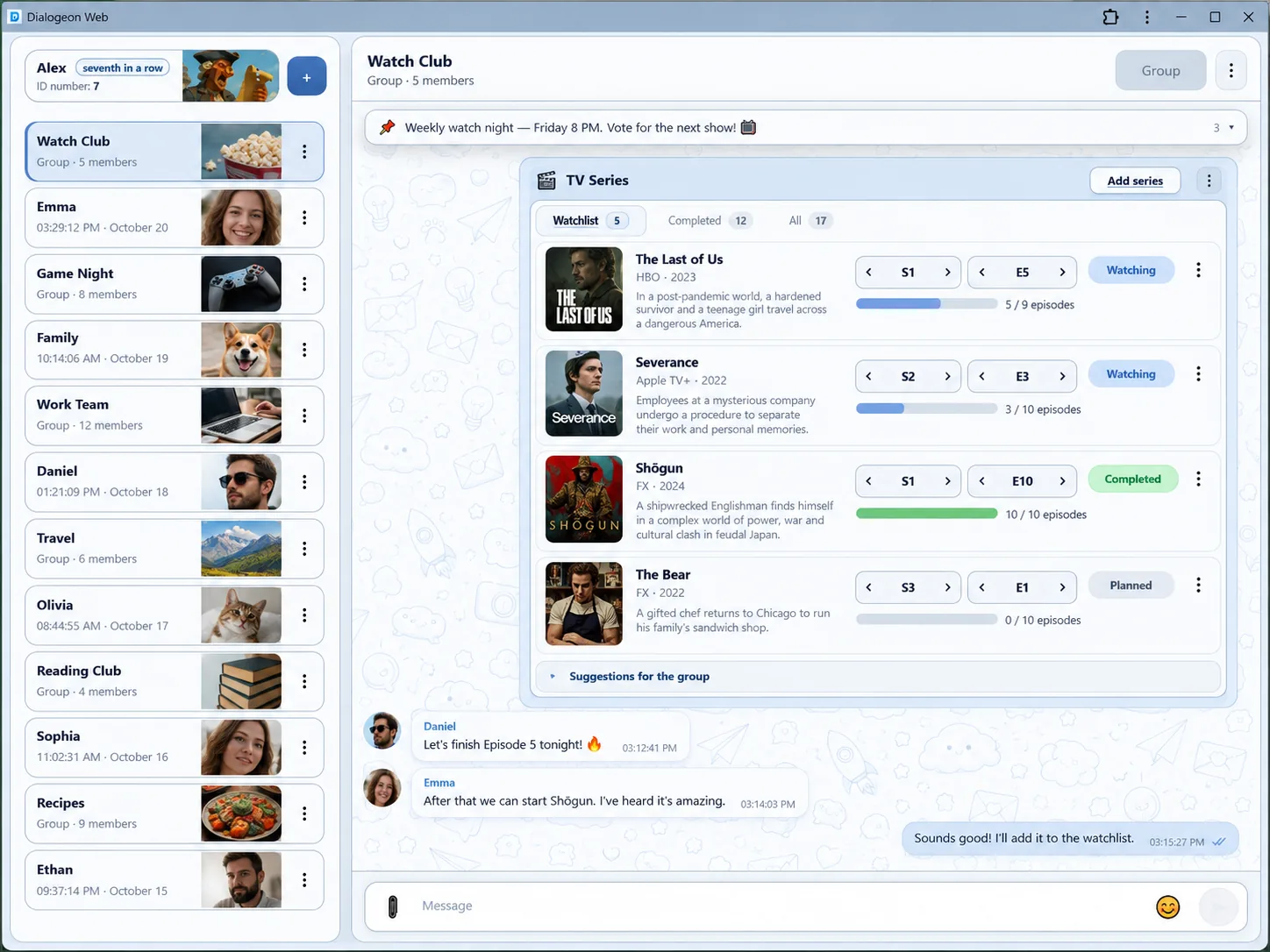
Keep a shared watchlist and update what you have watched without leaving the chat.
Play & stay connected
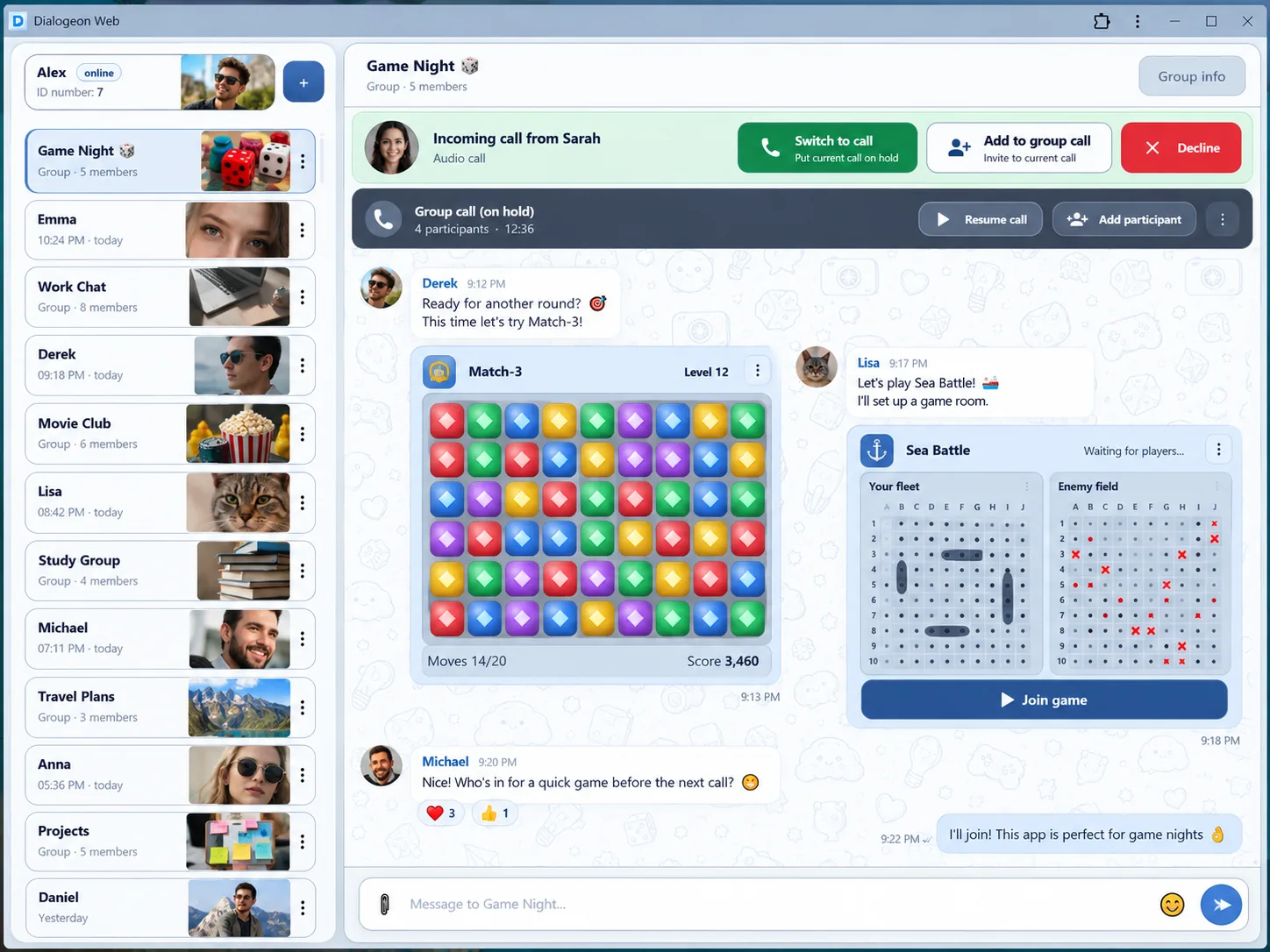
Play mini-games in conversations. Put a call on hold, switch calls or bring someone into the current call.
Mobile conversations
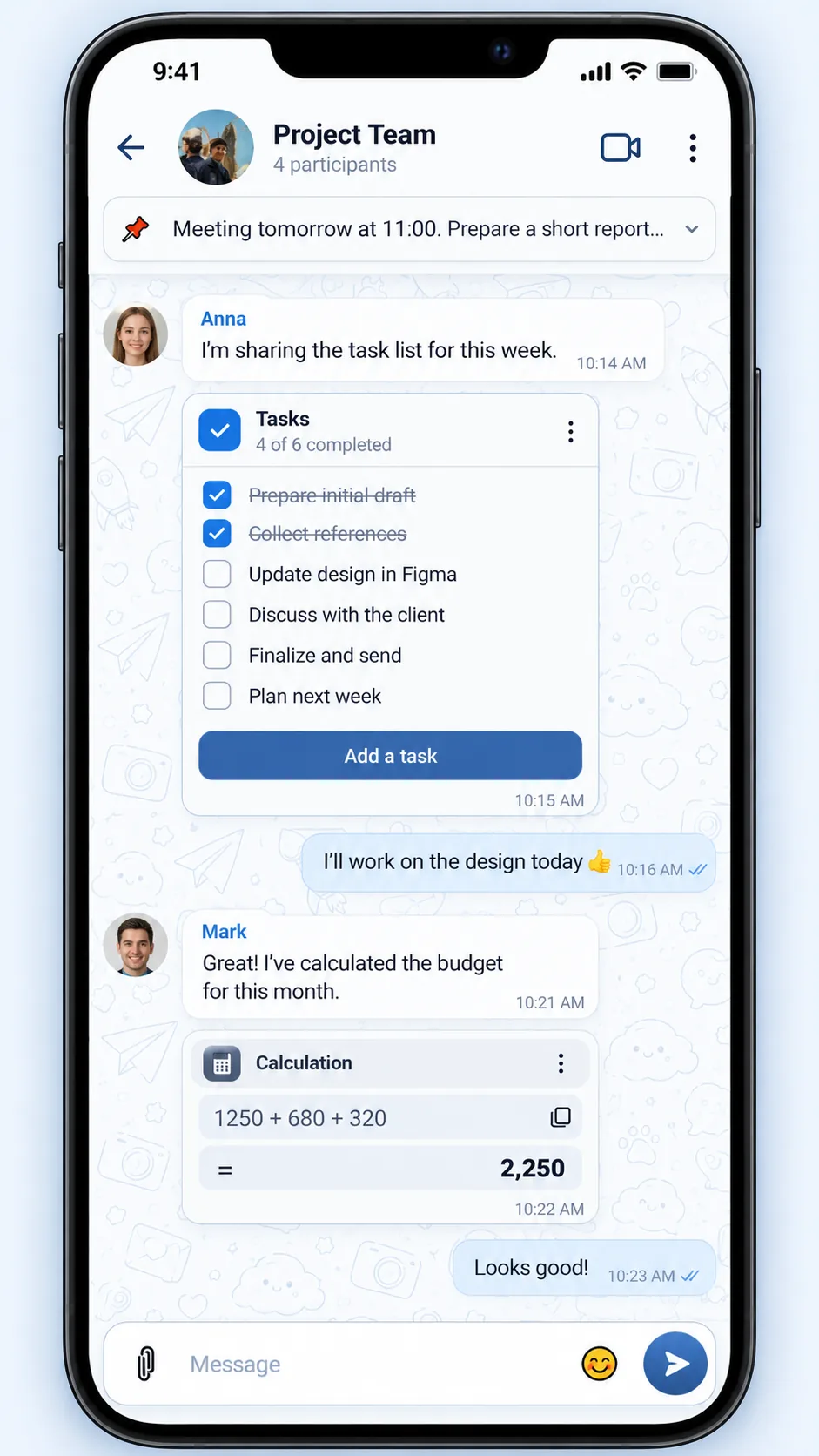
Check items off and use small utilities while chatting.
Mobile calling
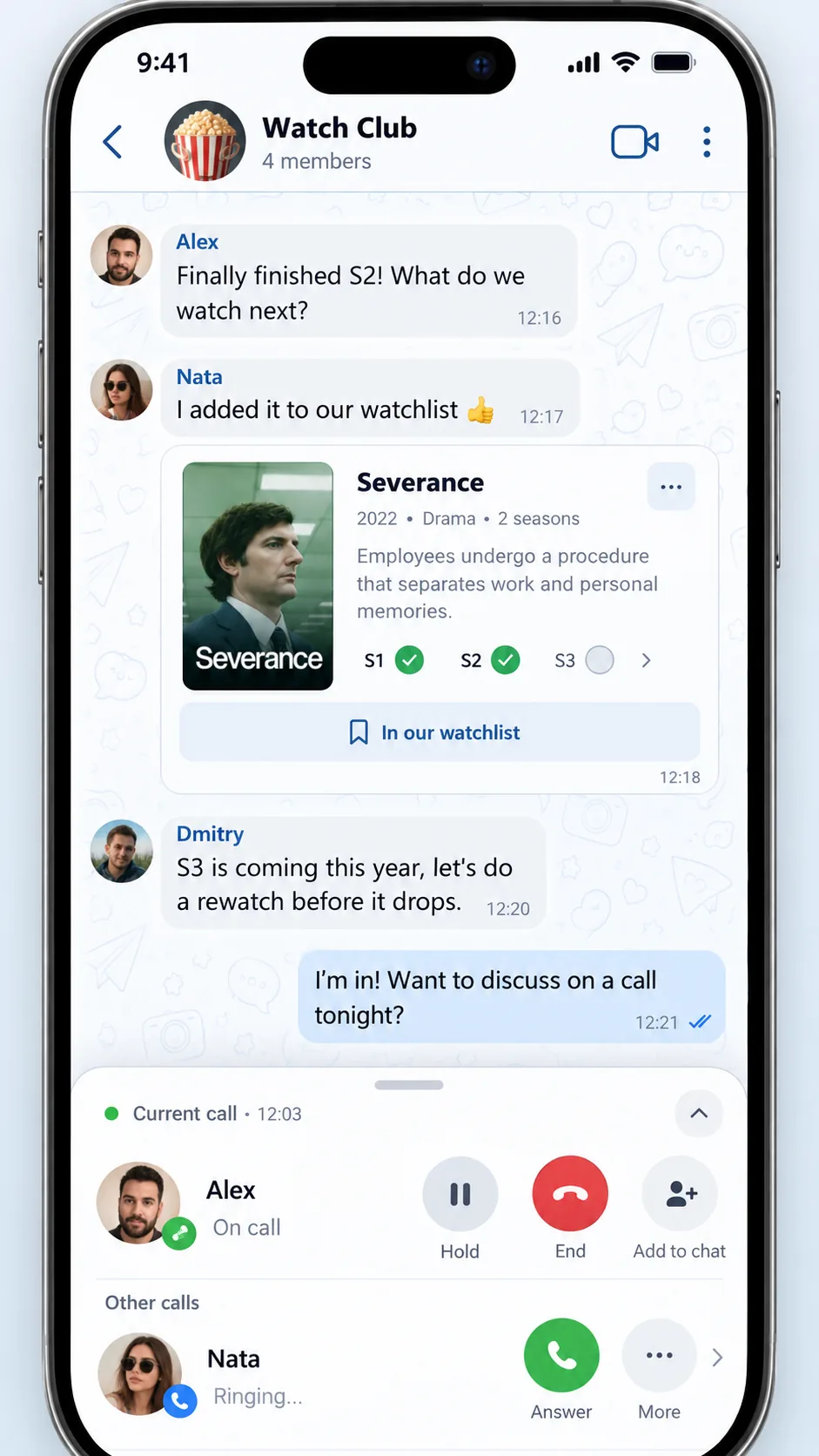
Hold a conversation, answer another call, or add the caller to the current one.
Illustrative interface previews based on Dialogeon features. Names, avatars, conversations and visual details are examples; the live interface may differ.
Stay in touch through chat.
Talk directly through your browser.
Turn a conversation into a face-to-face call.
Invite someone to join a call through a guest calling link.
No. Dialogeon Web runs in the browser.
Dialogeon supports guest calling through a dedicated browser page. Ask your contact for their guest calling link.
Your browser controls device permissions. Allow access when you choose to make a call.
Open the web app and start a conversation.